
All Cursor Packs
Browse our full collection of custom cursors. Find your next favorite style and install it for free.
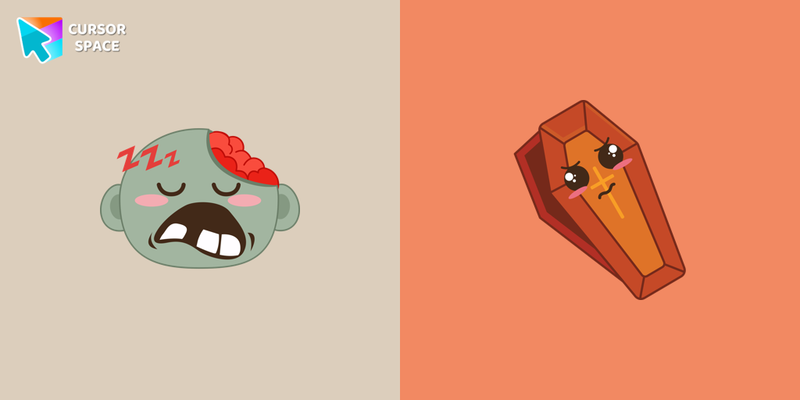 Zombie and Coffin cursorZombie and Coffin cursor and pointer in our intimidating custom cursors collection with Halloween.
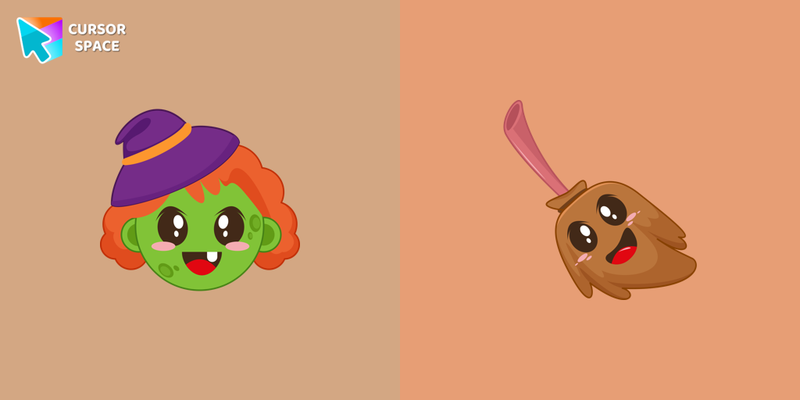 Witch with Broom cursorCustom cursor with Witch with Broom will change your usual cursor.
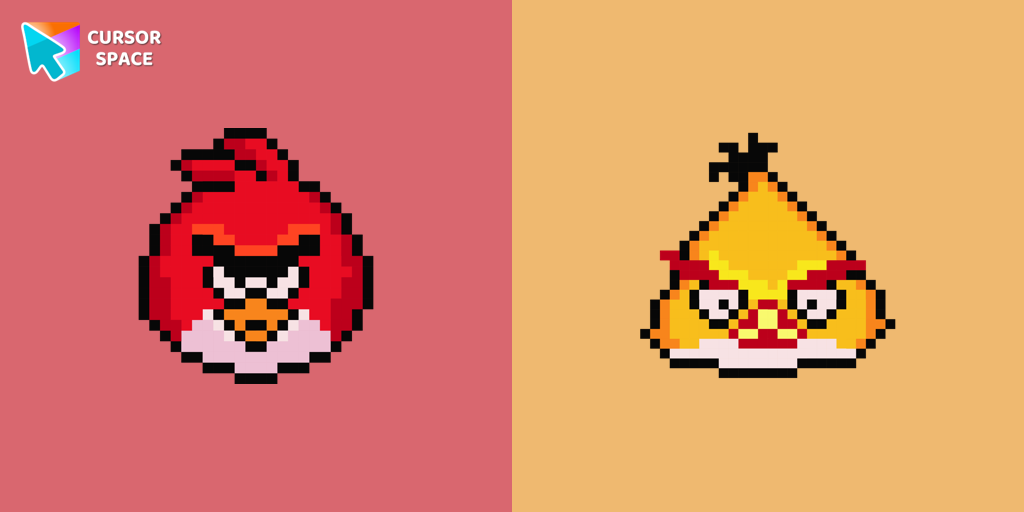 Angry Birds Pixel cursorCute Angry Birds cursor and pointer in our adorable custom cursors collection with Cute Pixel.
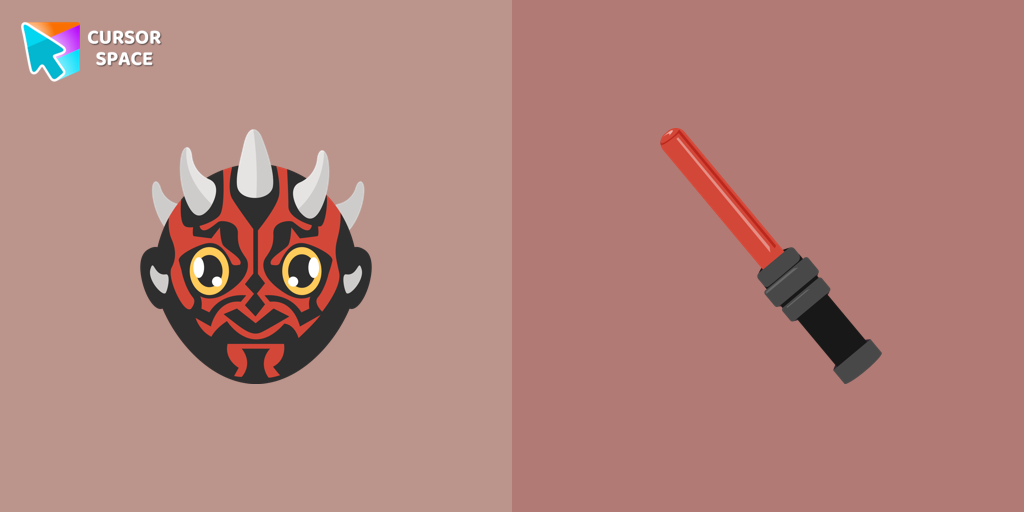 Darth Maul cursorStar Wars fans will love our well-designed Darth Maul cursor for their mouse. This custom cursor features the dark lord of the Sith himself, a male Zabrak from Dathomir.
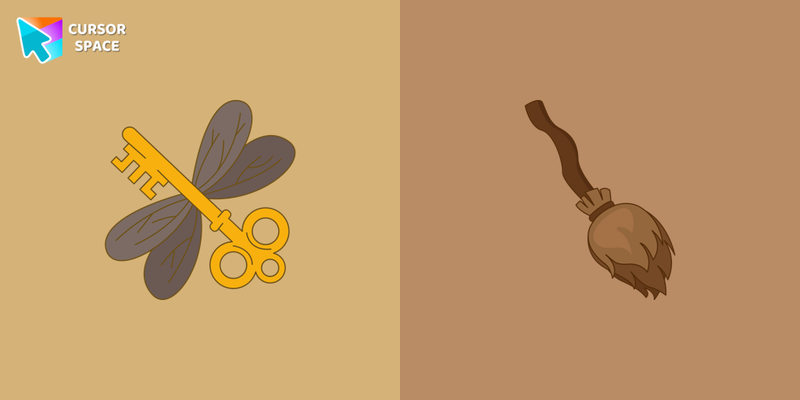 Winged Keys cursorSet up a magic mood by changing the usual pointer to the cute Winged Keys cursor for the mouse. The most fantastic custom cursors collection for chrome in your browser!
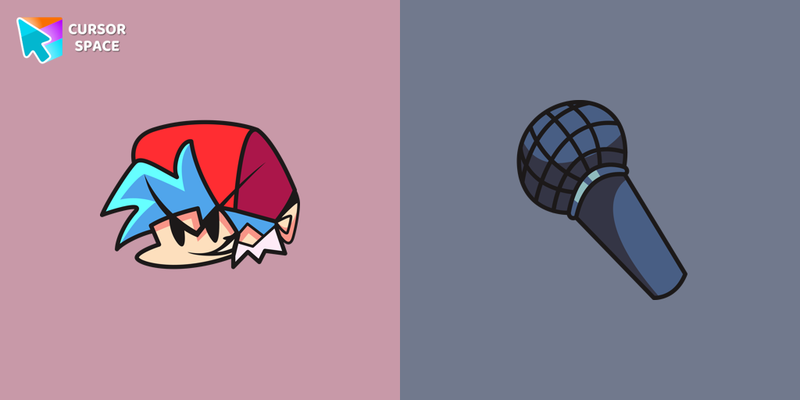 FNF Boyfriend cursorBoyfriend custom cursor for the mouse is a pretty art in Friday Night Funkin cursor collection for Chrome.
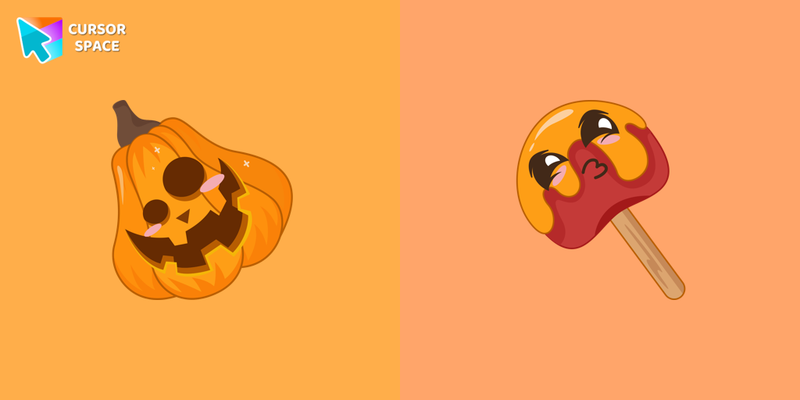 Pumpkin with Candy cursorCustom cursor with Pumpkin with Candy that was created especially for the Halloween event.
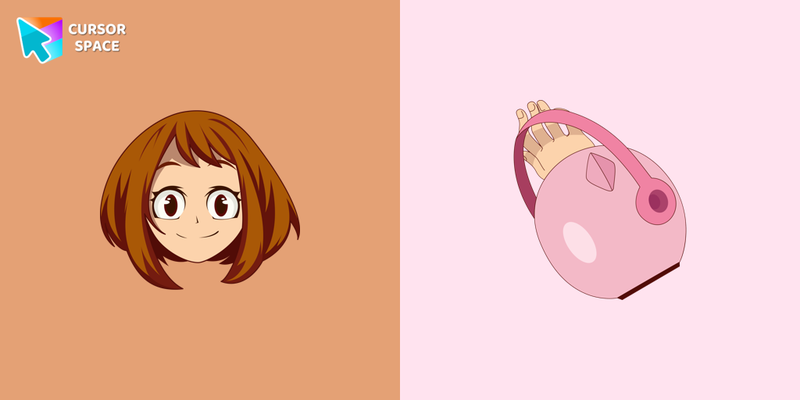 Ochako Uraraka cursorCustom cursor with Ochako Uraraka is a good opportunity to change the usual mouse to the fans cursors from the My Hero Academia custom cursors collection for Chrome.
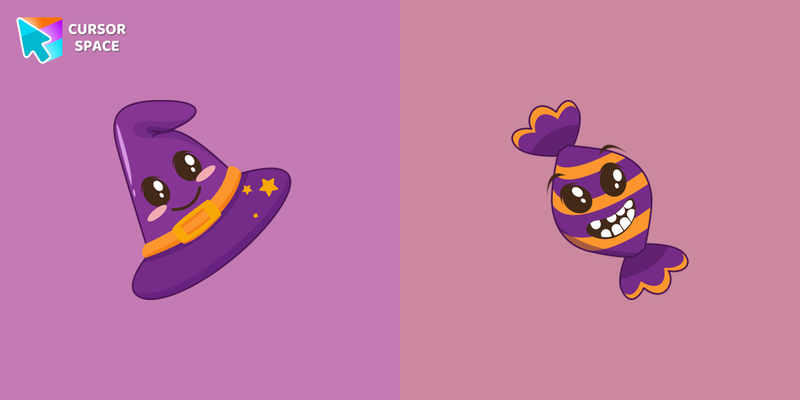 Witch Hat with Candy cursorA cute Witch Hat with Candy cursor will change the usual cursor for the mouse to a cute one.
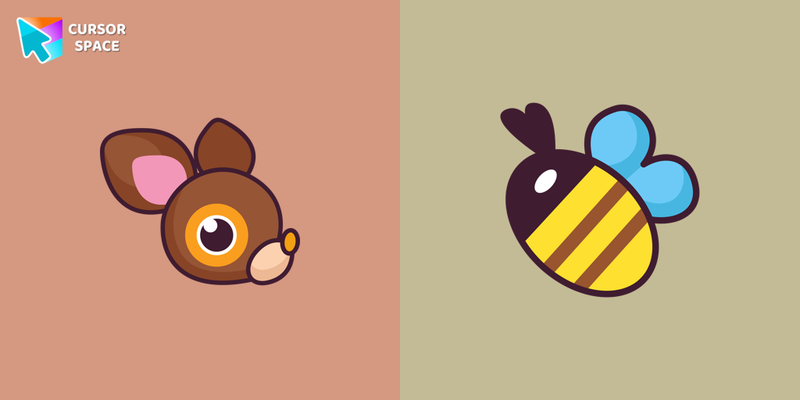 Deery-Lou cursorThe Hello Kitty for Chrome cursor set has a custom cursor Deery-Lou as a pointing device.
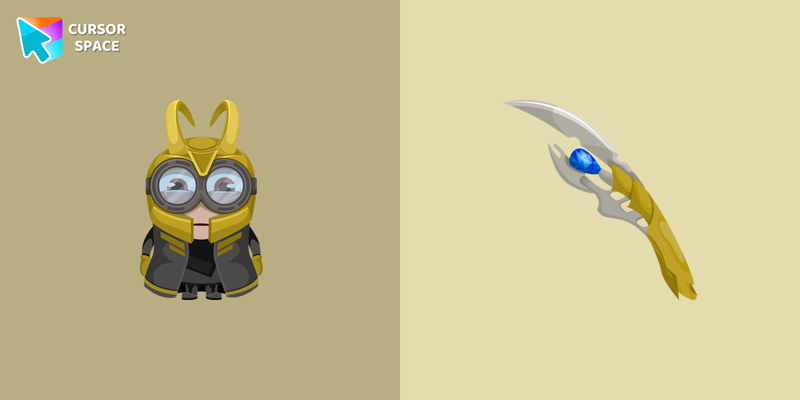 Minion Loki Character cursorThere is a custom cursor with a unique scepter and a Minion Loki as a hover in a set of Minion's custom cursors for Chrome.
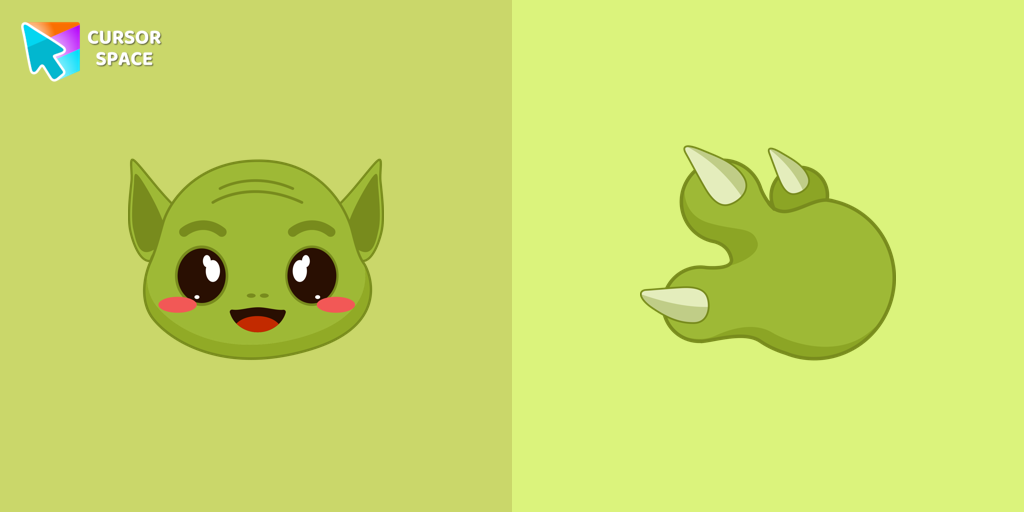 Grogu cursorOur Grogu cursor is an adorable addition to your mouse, allowing you to enjoy the cuteness of the beloved character from Star Wars as you navigate your screen.
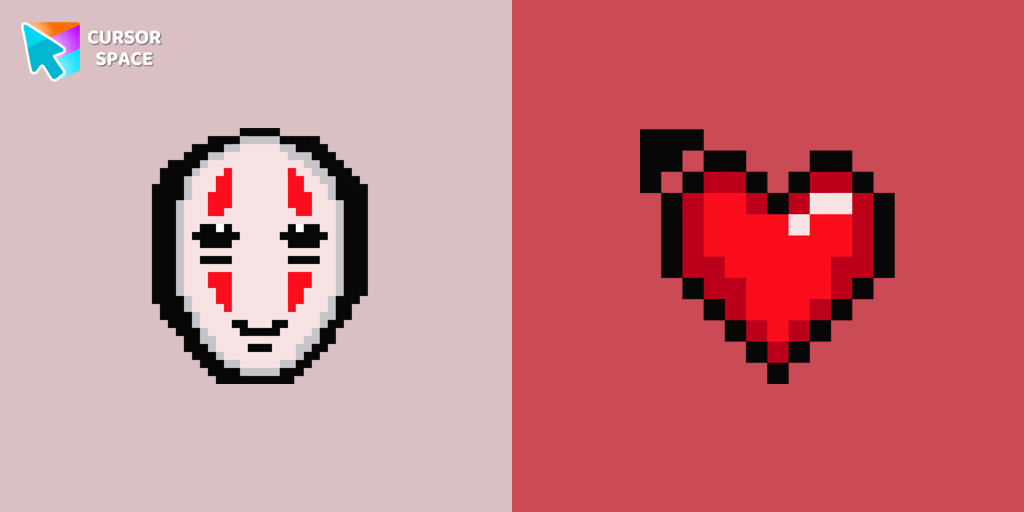 No-Face Pixel cursorNo-Face is a character in the film, Spirited Away. Add No-Face cursor to the collection of custom cursors with Pixel art for the browser.
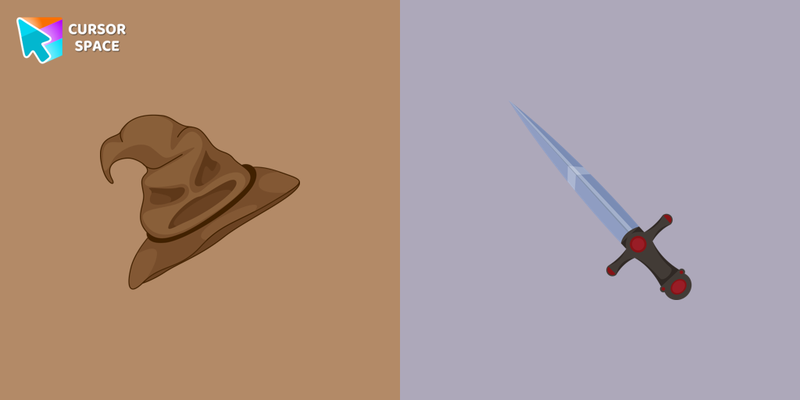 Sorting Hat and Sword of Gryffindor cursorMeet the custom cursor with Sorting Hat and Sword of Gryffindor for Chrome in the Harry Potter collection of custom cursors for mouse and pointers.
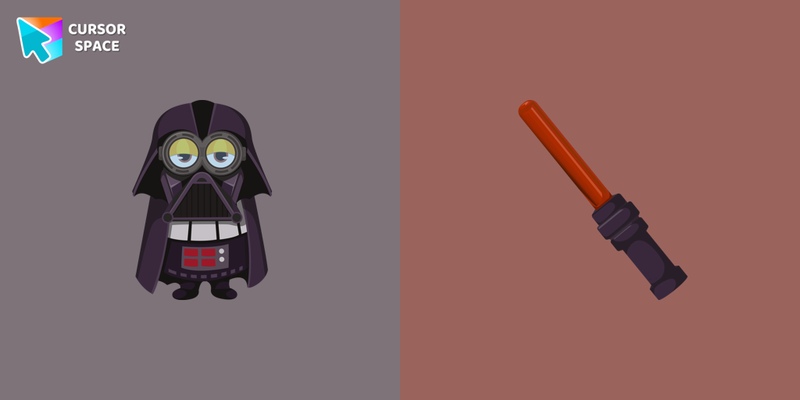 Minion Darth Vader Character cursorOur Minions custom cursors collection for Chrome will allow you to use the Minion Darth Vader character as a custom cursor for mouse and pointer.
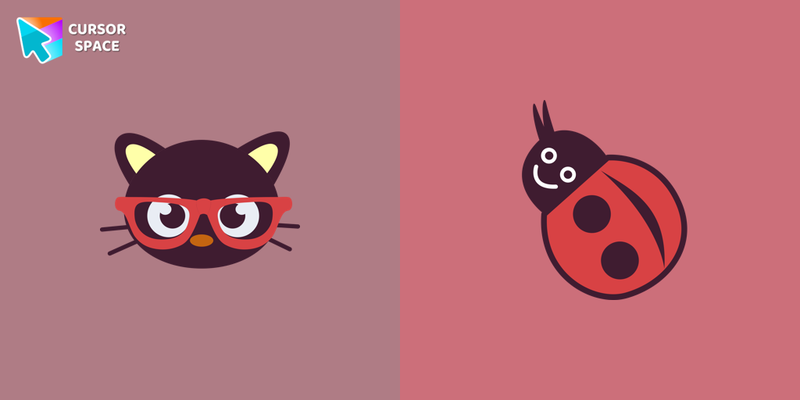 Chococat cursorChococat cursor element is a cute custom mouse and pointer cursor with stylish pointing.
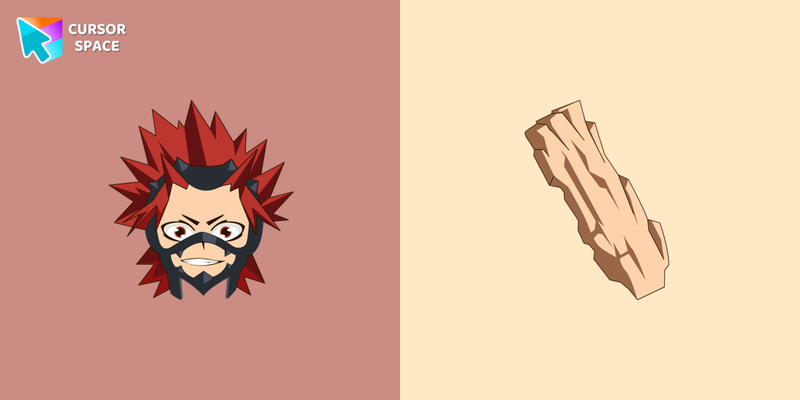 Eijiro Kirishima cursorCustom cursors with Kirishima Eijirō are available for Chrome browser.
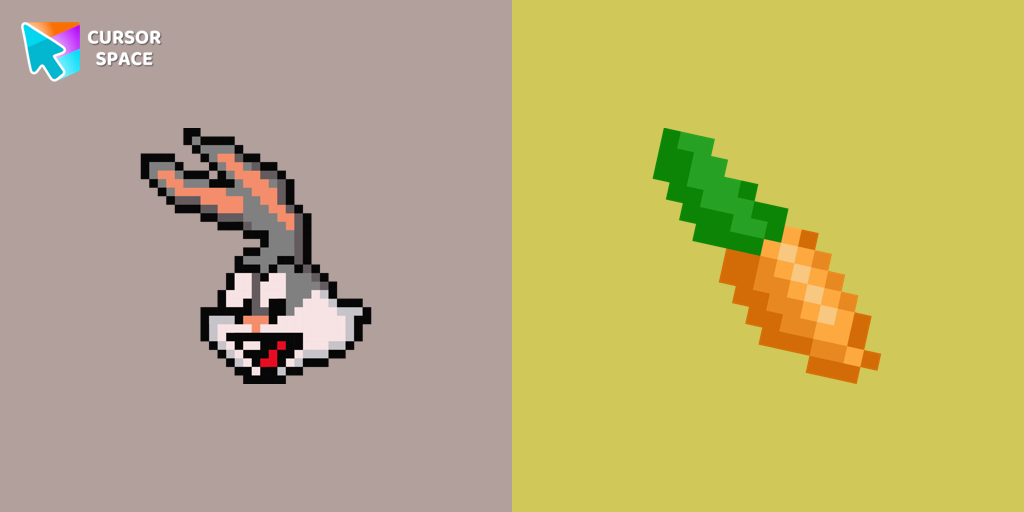 Bugs Bunny Pixel cursorThe cursor for Chrome with a Bugs Bunny Pixel is a great option in a Cute Pixel cursor collection.
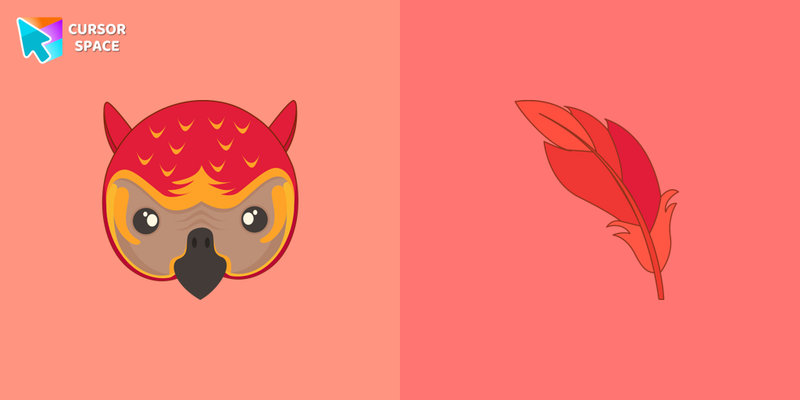 Fawkes cursorFawkes the phoenix from Harry Potter custom cursor and pointer for the mouse is pretty illustrated in our cute cursors collection with Harry Potter characters.
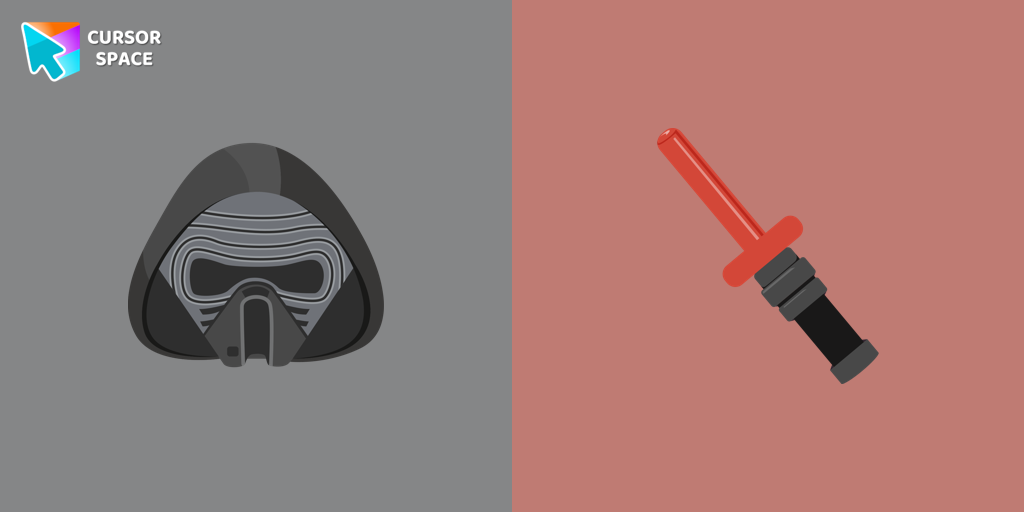 Kylo Ren cursorTransform your cursor with our Kylo Ren cursor, featuring the intimidating and iconic character from Star Wars. Add a touch of power and darkness to your browsing experience with this custom cursor.
Explore cursor packs by style
Cursor Space packs include curated cursor sets for everyday browsing: cute, minimal, anime, neon, pixel art, and more. Each pack comes with multiple cursor states (like default and pointer) and can be added to your browser in seconds.
Trending now
Fresh picks based on what people install most often.
Collections
Browse themed sets grouped by vibe and aesthetic.
Top charts
See weekly, monthly, and all-time leaders.
How to install a cursor pack
- Open any pack from the grid above.
- Click the install / add button on the pack page.
- If you don’t have it yet, install the Cursor Space browser extension.
- Apply the pack in the extension and enjoy your new cursor.
FAQ
Quick answers to common questions about cursor packs, collections, and installation.
Are cursor packs free on Cursor Space?
Most cursor packs on Cursor Space are free to browse and install. Some packs may be marked premium depending on licensing. The Cursor Space browser extension is free to install from the Chrome Web Store.
Do cursor packs work on Chrome and Edge?
Yes. Install the Cursor Space extension for Chromium-based browsers (Chrome, Edge, Brave), open a pack page, and click install/apply. The extension applies the cursor set across your browser.
How do I install a custom cursor pack?
Open the pack page, click the install or add button, install the Cursor Space extension if prompted, then apply the pack from the extension popup. Your new cursor appears immediately.
Can I change or remove a custom cursor later?
Yes. Open the Cursor Space extension, choose another pack, or restore the default system cursor from the extension settings.
Is the Cursor Space extension safe?
Cursor Space is distributed via the Chrome Web Store and Edge Add-ons. Keep the extension updated, and only install packs from trusted catalog pages on this site.